Reusable apps connect content to the screen.
Menu boards, clocks, weather, and QR codes sit alongside Google Calendar, Sheets, Slides, Canva designs, and PDFs. Operators configure each app in the dashboard and preview the result before publishing.
Independent product · Live product
Manage digital displays from one browser dashboard. Pair screens, build playlists, set working hours, and keep cached media playing when the connection drops.
Product design · Frontend & backend · Infrastructure
Visit SignageStack Explore display apps Download a player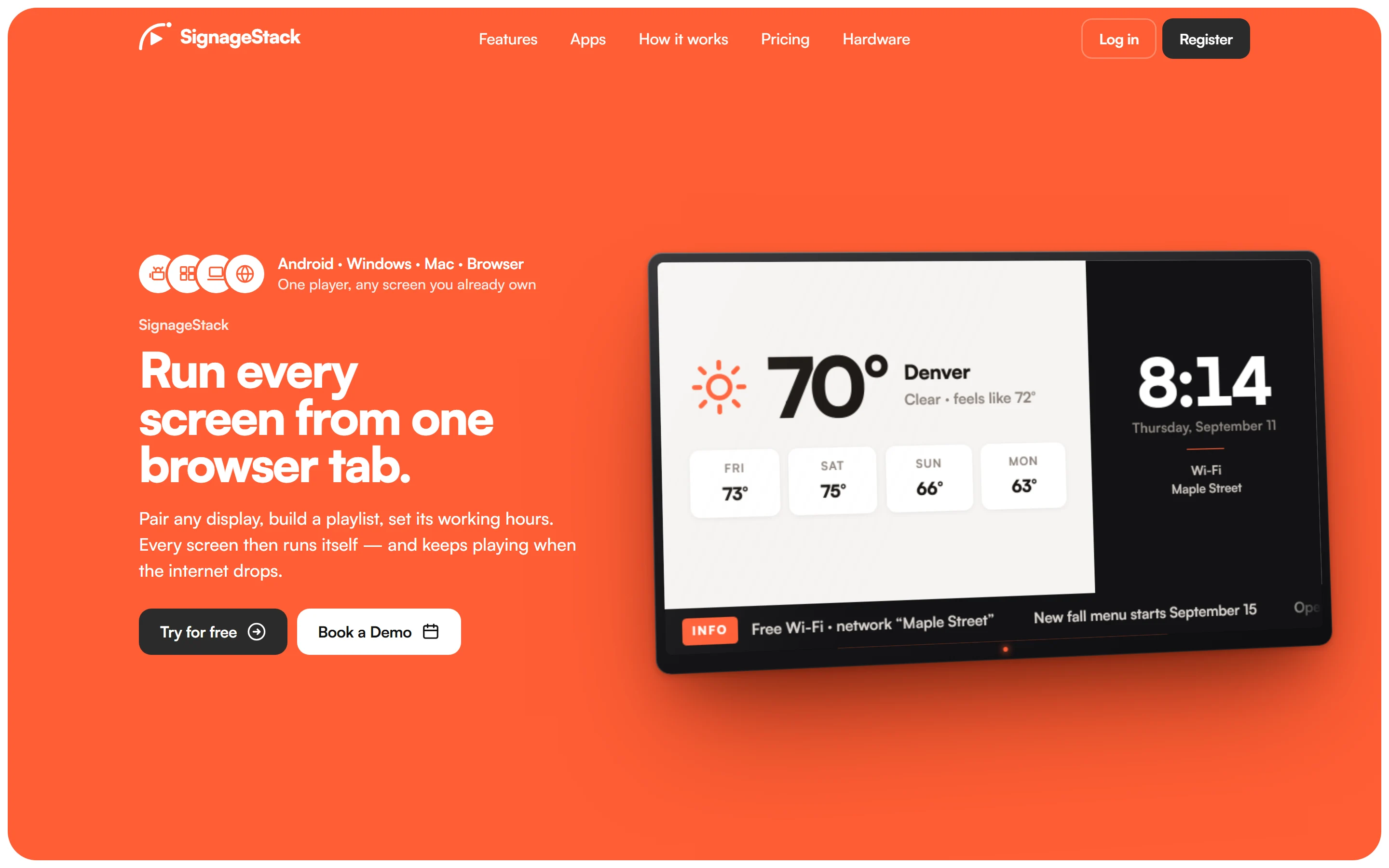
Digital signage needs more than an image on a television. Someone has to prepare content, assign it, set working hours, and manage what happens when a display loses its connection.
SignageStack pairs each display with a code, then lets operators manage screens, media, and playlists from the browser. Each screen has its own working hours: it plays its assigned content while open and goes dark outside those hours.
Bytesicht designed and implemented the operator experience, backend platform, media delivery, and player as parts of one product.
How the system connects
React tools prepare media, playlists, screen working hours, and display-app configuration.
NestJS manages records and device updates. MongoDB stores application state; R2 stores media.
Preact renders assigned content, persists a local snapshot, and prefetches media.
Backend connectors bring external data into the display payload. Device communication carries updates; media is delivered from object storage. This is a component overview, not a deployment topology.
Engineering decisions
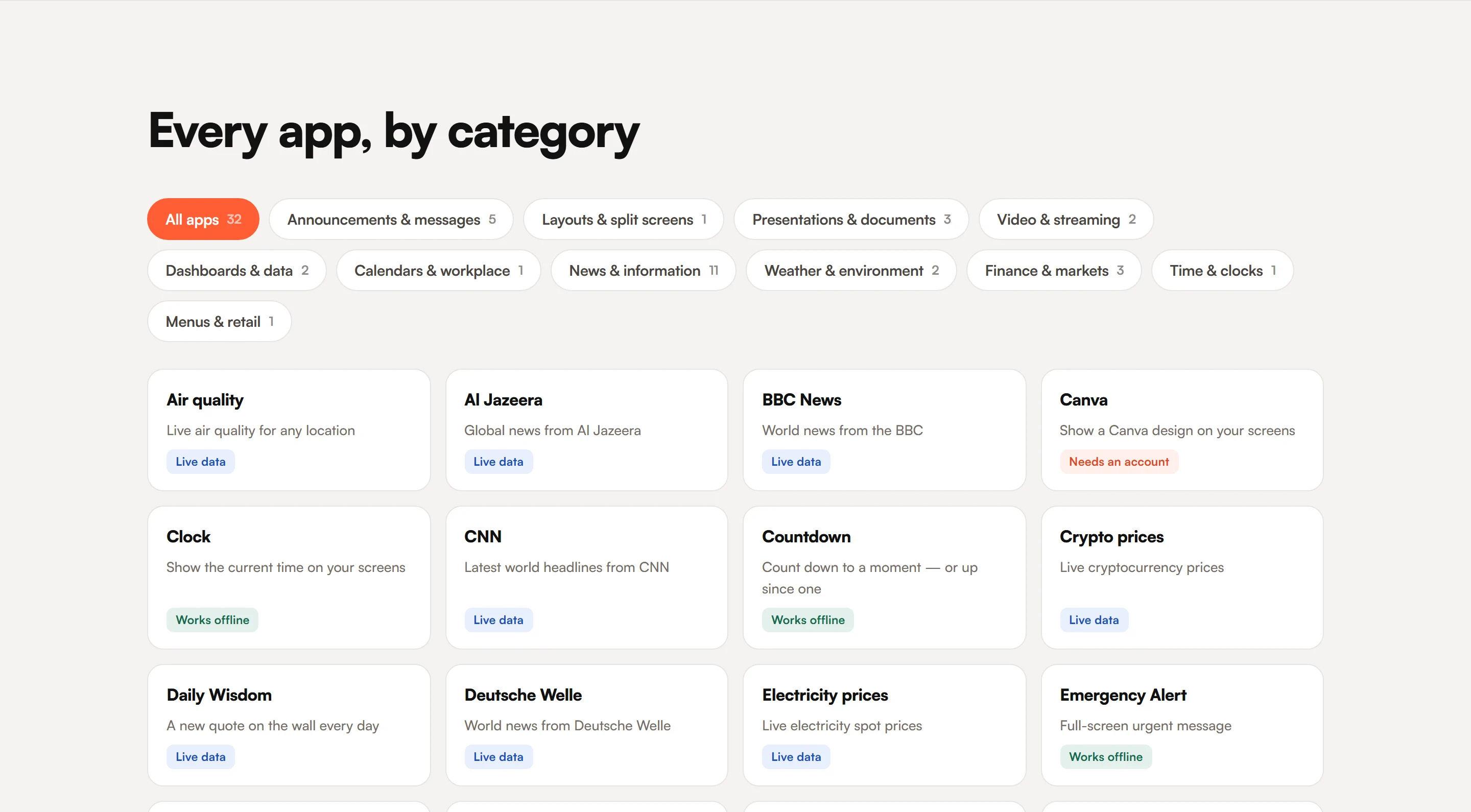
Menu boards, clocks, weather, and QR codes sit alongside Google Calendar, Sheets, Slides, Canva designs, and PDFs. Operators configure each app in the dashboard and preview the result before publishing.
The dashboard and player mount the same display-app bundle. Shared configuration schemas define the editing form and the data the app expects. A new display app extends that contract, rather than requiring two separate rendering implementations.
The player restores a saved snapshot and cached media before reconnecting. Apps that need a live data source are handled separately. This gives cached content a recovery path without pretending every integration works offline.
The native player reports update health only when content plays or the backend confirms a legitimate idle state. The watchdog can distinguish a successful page load from a player that is actually ready to display content.
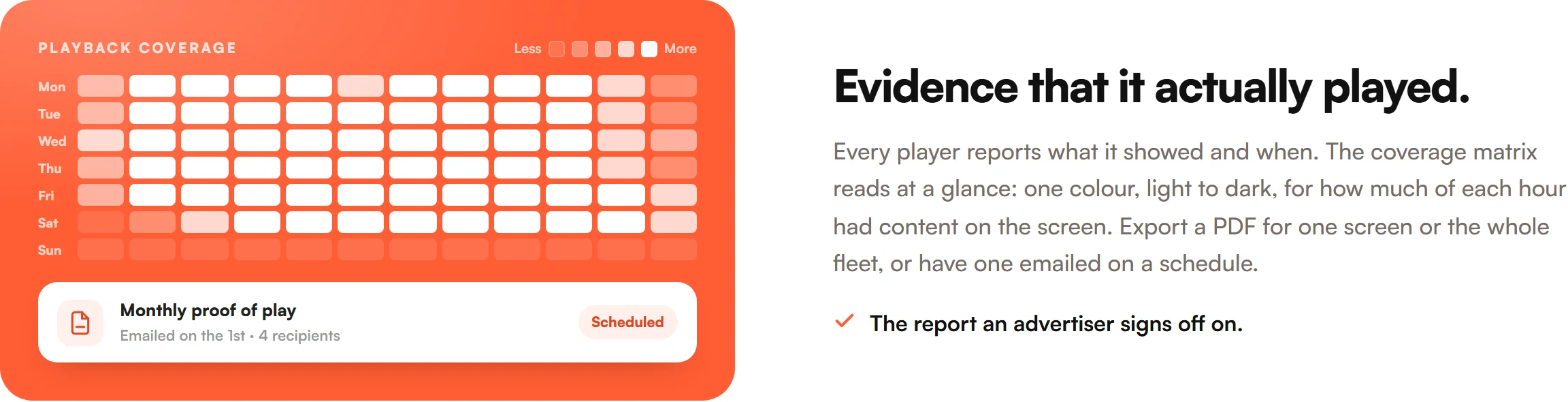
Players report what ran and when. Coverage reports can be exported as PDFs for a screen or the fleet, or sent by email on a schedule.
The Google Calendar connector normalizes events into a shared payload. OAuth connections remain behind the API; the screen receives display data rather than provider credentials. Integration changes stay separate from screen layout.
React / NestJS / MongoDB / Cloudflare R2 / Preact / TypeScript / IndexedDB / Socket.IO
Live at signagestack.com, designed and built as a Bytesicht product. The platform includes screen management, display apps and integrations, cached playback, and proof-of-play reports, with players for Android, Windows, macOS, and the browser.
Build with Bytesicht
From management tools to connected devices, I can take responsibility for the software between them.
Discuss your project